


Accessing the Widget
You can start using ViewDirectionsOnline in just one click! Here’s all you need to know.
1
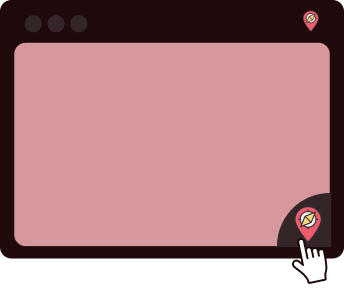
Opening the Widget
Access ViewDirectionsOnline at any time by clicking on the icon. You can also move the widget or icon wherever you’d like within your browser.
2
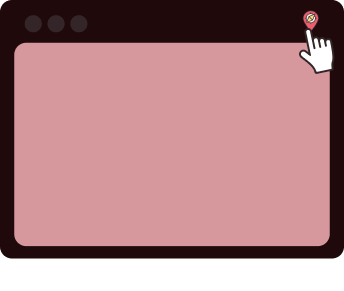
Reactivating the Widget
If disabled, you can easily reactive the widget by clicking the ViewDirectionsOnline icon at the top right of your browser, then select ‘Enable Everywhere’.
3
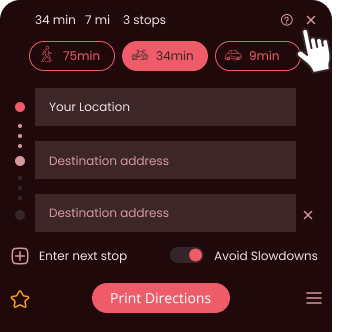
Closing the Widget
Once done using ViewDirectionsOnline, you can close the widget by clicking the 'X' icon to close.
4
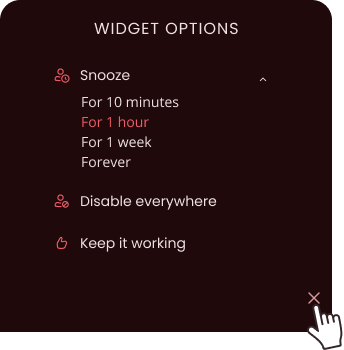
Disable the Widget
To snooze or disable the ViewDirectionsOnline widget, click the Settings icon to view a menu with these options.